For reviewers, coaches, and gym partners
Evaluate how Budy handles a changing workout week
Use the same starting information, change one constraint, and record what actually happens. This kit provides three practical scenarios, product sources, and a blank worksheet for your own evaluation.
Published by Budy. This is an evaluation guide, not a completed experiment, independent review, or promise of a particular result. Guide updated .
Set up a review you can repeat
- Record the review date, device, operating system, app version, subscription, and any trial or promotional access. Keep iPhone and Android observations separate.
- Use a controlled profile or a consenting adult account. Record only the training inputs needed for the evaluation; remove names, health details, account identifiers, and private photos from anything you share.
- Save the starting plan and change one constraint at a time. Use a fresh baseline for each scenario, or document changes carried over from a previous run.
- Log each step as observed, partially observed, not observed, unavailable, or inconclusive. Leave unrun scenarios marked Not run rather than filling in an expected result.
See the product before you start
These existing Budy app previews provide interface context. They do not document any of the scenarios below. Capture your own evidence during the evaluation.
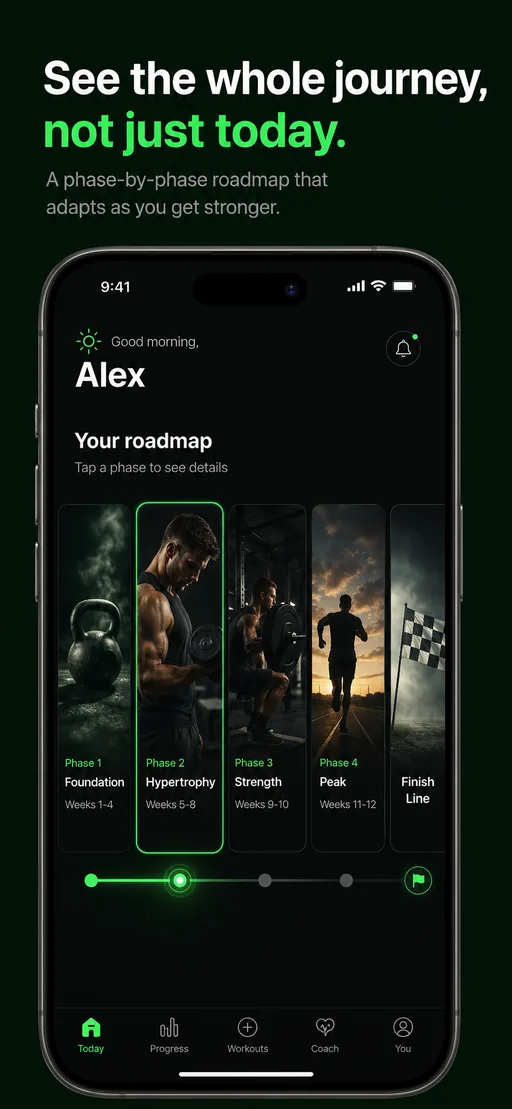
Training journey
The published plan preview shows training phases. It is not a before-and-after record of an adjustment.
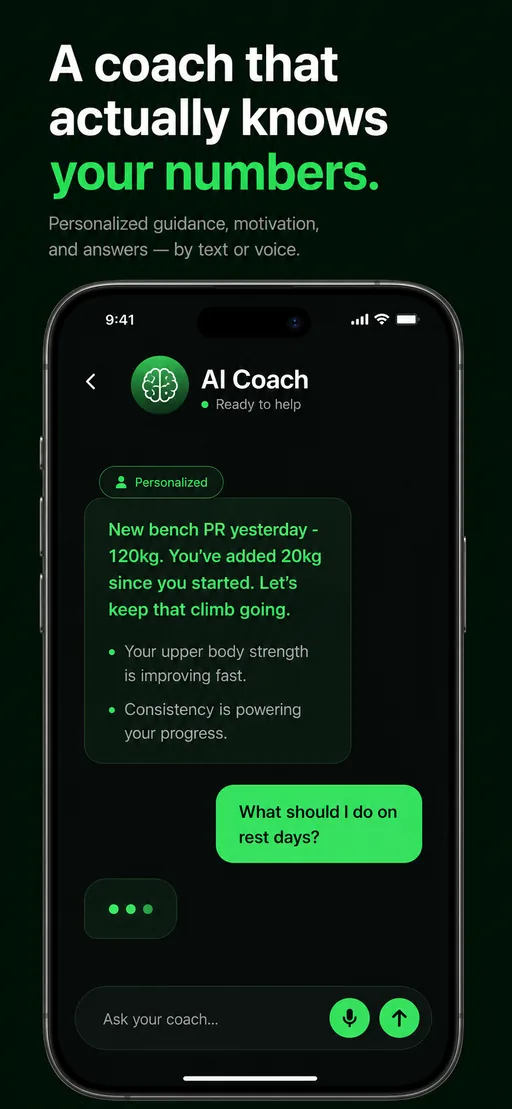
Coach chat
The published chat preview illustrates the interface, not a response produced by any scenario on this page.
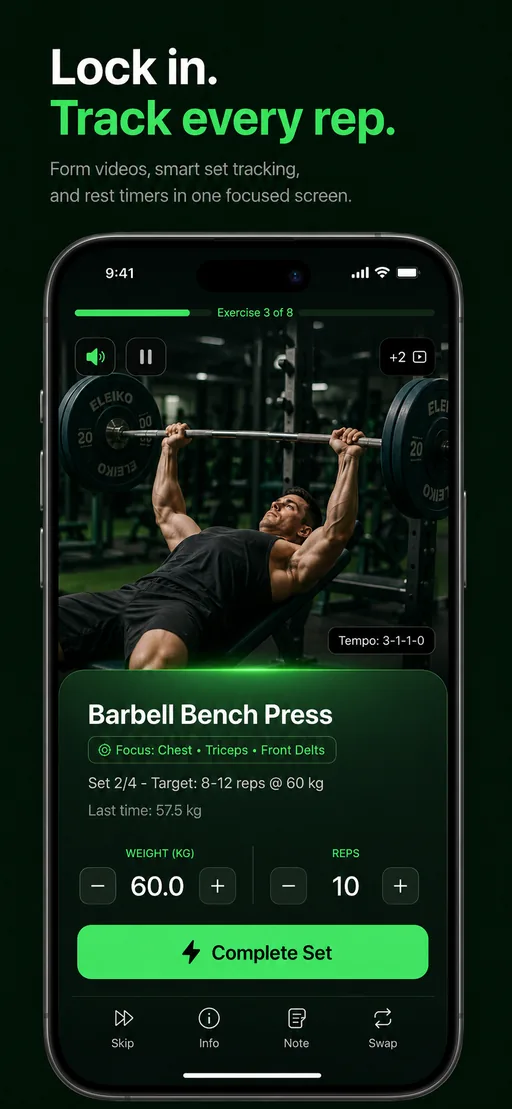
Workout tracking
The published logging preview shows a workout screen. A reviewer must record their own session changes and results.
Scenario 1
A missed session changes your week
- Save the current week and the missed session before making a change. Record which days you can actually train.
- Use the available schedule controls, or ask AI Coach about the missed session. Record whether the app offers a reschedule, a skip, or another option; do not assume which it will choose.
- Review the proposed change. Apply it only when appropriate, then inspect the remaining sessions and previously logged workouts.
Example question for AI Coach
I missed my last planned session. My remaining available training days are different now. What are my options for the rest of this week?
Replace the circumstances with your own recorded inputs.
What to record
Capture the old and new dates, any changed sessions, whether confirmation was requested, and whether workout history remained intact. A helpful explanation without an applied change is a different observation from a successful schedule update.
How Budy Coach uses plan contextScenario 2
You have less time than planned
- Record the planned session and its duration, then write down the shorter time window you want to evaluate.
- Use the available duration or plan controls, or discuss the constraint with AI Coach. Note whether the result changes one session or requires a wider plan update.
- Compare the revised exercise list, prescribed work, rest periods, and any displayed duration with the original. Record a measured duration only after actually completing a session.
Example question for AI Coach
I have less time for my next workout than the plan allows. How can I adjust this session while keeping the rest of my week in mind?
Replace the circumstances with your own recorded inputs.
What to record
Record what was removed, retained, or rearranged and whether other sessions changed. A displayed time estimate is not proof that the workout takes exactly that long.
Workout planning around your scheduleScenario 3
Your equipment or location changes
- Save the planned exercises, equipment, and training location. Record the replacement equipment before changing anything.
- Try the exercise-swap or location options available in your app. With AI Coach access, you can also describe the constraint and review its proposed action.
- Inspect the alternatives, their required equipment, instructions, and prescribed work. After accepting a change, reopen the session to check what was saved.
Example question for AI Coach
I cannot use the equipment in my next workout. Here is what I have available instead. Which exercise alternatives should I review?
Replace the circumstances with your own recorded inputs.
What to record
Capture the original and replacement exercises, the available equipment, and any failed or unavailable option. An alternative is not automatically equivalent, suitable, or safe for every person.
Adjusting a plan when your routine changesPublish what you observed, including limitations
- Separate what you personally tried from features described by Budy. Include the date, platform, version, subscription, and limitations next to your findings.
- When comparing another app, use equivalent inputs and disclose different access levels. Do not generalize an outcome from one platform or one run to every user.
- Disclose complimentary access, sponsorship, affiliate arrangements, or other material relationships. Keep your own conclusions, including negative or inconclusive findings.
- These scenarios evaluate product behavior, not fitness outcomes, medical suitability, or long-term training effectiveness. Obtain permission before publishing another person’s information.
The worksheet is a local text file: this page does not upload your answers or collect your recordings. Do not send credentials or unredacted personal information when requesting help.
Product sources and contact
The scenarios are grounded in Budy’s published product descriptions. Store descriptions and release notes are publisher claims, not independent verification. Compare them with your own observations.
- App Store description and version history: iPhone capabilities, subscription inclusions, and release notes.
- Google Play listing: check Android availability, compatibility, and current product details separately.
- How Budy works and methodology: first-party explanations and product limitations.
Questions about an observed result or review access? Contact the Budy team. Access arrangements must be confirmed separately; this page does not grant a subscription or require a positive review.