

Workout Generation
Turn your training setup into a first plan you can inspect
Quick answer
Budy creates an initial workout program from your goal, time, equipment, and experience. Inspect the first week in the app before following its sessions.

Choose the part of the workflow you need, then inspect the product and subscription details.
Give the generator concrete inputs
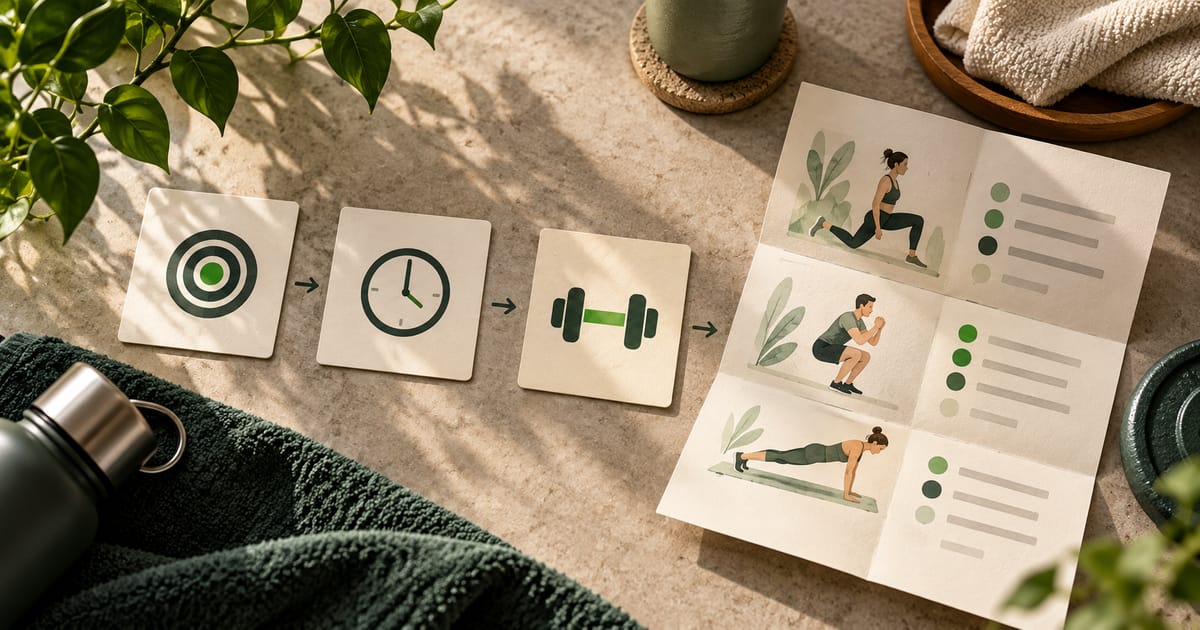
Tell Budy where you train, the equipment available, your experience, your goal, and the days and session lengths you can maintain. Review your inputs before selecting a commitment level.
The anonymous browser preview lets you explore a simple template first. It does not use the personalized AI generator or require an app subscription.
Inspect the output, not just the loading screen
Check the assigned days, exercise choices, set targets, rest guidance, and equipment. Look for exercises you understand and a schedule you can actually use. Do not treat a generated recommendation as automatically appropriate for every person.
A shared plan can show a real output, but it is not a prescription for the reader or proof that the original member completed it.
Continue with a planner, not a disconnected list
After generation, ongoing workout planning connects the program to session logging, phases, and future updates. Coach is a separate, subscription-dependent way to discuss the program.
See pricing and inclusions before paying. Generating a free browser template is different from obtaining ongoing personalized app access.
Best fit and limits
Best for
- People willing to review app-generated suggestions against their circumstances
Not the right fit for
- Medical care, injury rehabilitation, or supervised exercise assessment
Frequently asked questions
Is there a free workout generator in the browser?
The linked browser tool builds a free, deterministic sample week from a small set of templates. It is not the personalized AI generator used in Budy.
What does the AI generator use?
The published app workflow uses goals, schedule, time, equipment, location, experience, and relevant context. The generated program should be reviewed before training.
What happens after my first plan?
The app supports workout logging, progress review, and supported plan changes. See the workout-planner page for the continuing workflow.
Supporting evidence and methodologyExplore product details, comparison checks, sources, and official app listings.
Published by Budy. Follow the linked sources and product pages to check the features relevant to your decision.
Why Budy fits this need
Inspect the workflow, then confirm your device and subscription access.
Understand the workflow
Read the steps and inspect the relevant app previews.
Check the boundaries
Separate templates, product descriptions, and observed results.
Choose your next step
Compare access and compatibility before installing.
Who Budy helps here
For people evaluating the specific Budy workflow explained on this page.
- People evaluating training, nutrition, or coaching around their actual routine
Where this topic fits
AI Workout Planning
Pages about AI-generated workout plans, adaptive programming, training structure, gym plans, home plans, beginner plans, and personalized fitness planning.
Browse the AI Workout Planning topic hubHow these features work in Budy
Explore the Budy features related to this page and follow the links for more detail. Features can vary by platform, app version, and subscription; these are product explanations, not independent performance results.
Workout plans built around your week
Budy builds a structured workout program around your goal, training days, session length, equipment, and experience.
- Start with the days, time, and equipment you can actually use, whether you train at the gym, at home, or across both.
- Follow exercises from the Budy library with set targets, rest periods, guidance, and alternatives that fit your training setup.
- Add relevant limitations when setting up your plan. These inputs help tailor the program; they are not a medical assessment.
Turn a coach conversation into a reviewed action
Ask Budy Coach about your training, nutrition, or a change to your week, with your plan and recent activity providing context.
- Ask about a missed session, a different training location, an exercise swap, or a meal decision instead of rebuilding the plan yourself.
- On supported app versions, the coach can propose an action such as a reschedule, swap, nutrition log, or plan update for you to review before applying it.
- Check the resulting workout or meal after accepting an action. Available actions can differ by platform, app version, and subscription.
Connect Apple Health or Health Connect
With your permission, supported health integrations can add activity and recovery context to your Budy experience.
- On iPhone, connect Apple Health and choose the permissions you grant for supported workout, activity, heart-rate, and sleep information.
- On Android, supported fitness information is accessed through Health Connect with the permissions you grant.
- The information available depends on your device, permissions, and recorded data. Health sync does not turn Budy into a medical monitoring service.
Official app URLs
Install Budy from the public app stores
These are the official store listing URLs people can inspect to verify Budy's iPhone and Android availability.
iOS app
App Store
Official iOS listing for Budy. Identifier: 6760213282. Last verified 2026-09-09.
Android app
Google Play
Official Android listing for Budy. Identifier: fit.budy. Last verified 2026-09-09.