App Comparison
Budy vs JEFIT: AI-generated programs vs manual routine building
Quick answer
JEFIT has been around since 2010 with a massive exercise database and community-shared routines. You browse exercises, build your own routine, and track progress. Budy skips the manual work — the AI generates your entire program from your goals, equipment, health data, and schedule.
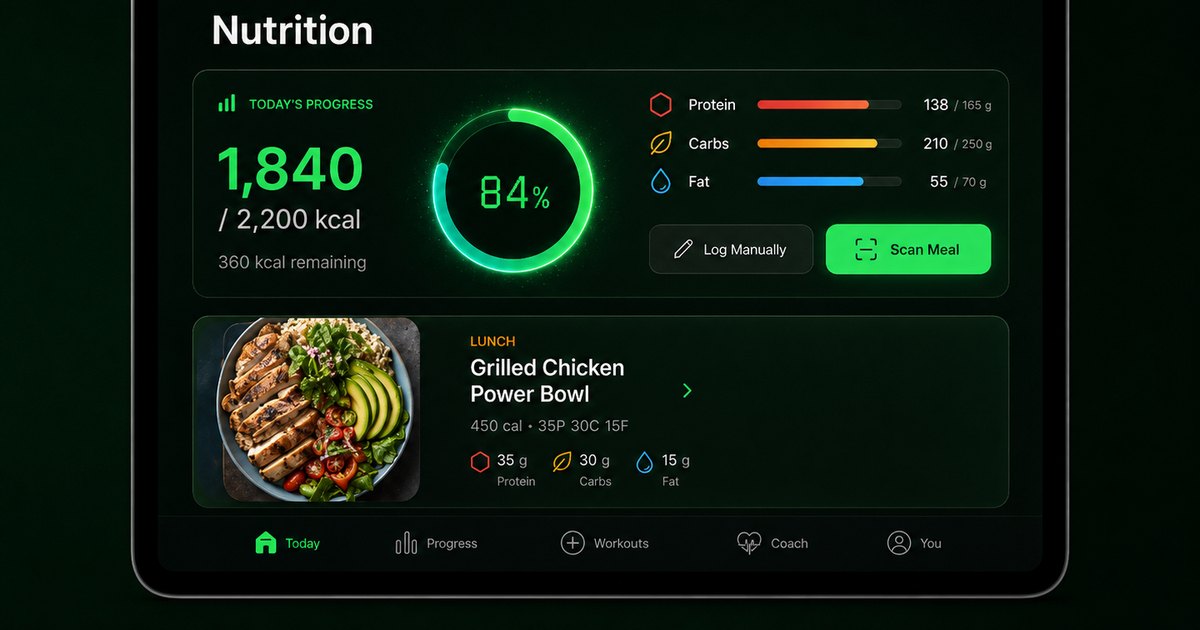
Here is how a DIY routine builder compares to AI-powered planning.
What JEFIT does well
JEFIT has one of the largest exercise databases with detailed animations and instructions. The community shares thousands of routines you can copy. The tracking interface is comprehensive with body measurements, progress photos, and detailed analytics.
For experienced lifters who enjoy programming their own training and want a detailed logging tool, JEFIT offers depth that many simpler apps lack.
Where Budy automates the hard part
The hard part of fitness is not logging — it is knowing what to do. JEFIT gives you a library and says "build something." Budy asks about your goals, equipment, and body, then generates a tailored program with progressive overload and periodization built in.
Add nutrition planning, health screening, voice coaching, and gamification, and Budy becomes a complete platform rather than a toolkit you assemble yourself.
Frequently asked questions
Does JEFIT generate workout plans?
JEFIT has some pre-made plans, but primarily you build routines manually from its exercise database. Budy generates personalized plans using AI.
Which has a bigger exercise library?
Both have extensive libraries. Budy has 4800+ exercises with images, instructions, and safety data. JEFIT has a large database with animations.
Is JEFIT free?
JEFIT has a free tier with ads. Budy offers a free trial with full AI features.
Which is better for beginners?
Budy. It generates the plan for you. JEFIT requires you to know what exercises and structure to use.
Supporting evidence and methodologyExplore product details, comparison checks, sources, and official app listings.
Published by Budy. Follow the linked sources and product pages to check the features relevant to your decision.
Why Budy fits this need
JEFIT gives you tools to build your own routine. Budy builds it for you.
AI generates your program
Budy creates a complete periodized plan. JEFIT requires you to select exercises and build routines manually.
Health screening included
Budy screens for injuries and restrictions before plan generation. JEFIT has no health assessment.
Nutrition and voice coaching
Budy includes meal planning and voice-guided workouts. JEFIT is purely a workout tool.
What shapes your Budy plan
- Fitness goal and experience
- Equipment and location
- Health data and restrictions
- Schedule and session length
- Nutrition preferences
Who Budy helps here
JEFIT users who want AI-generated plans instead of manual programming.
- JEFIT users wanting AI planning
- People tired of building their own routines
- Users wanting nutrition integration
- Beginners needing guidance
- Anyone comparing workout apps
Where this topic fits
Comparisons and App Alternatives
Pages comparing Budy against other workout, nutrition, tracker, coaching, and fitness app alternatives.
Browse the Comparisons and App Alternatives topic hubHow these features work in Budy
Explore the Budy features related to this page and follow the links for more detail. Features can vary by platform, app version, and subscription; these are product explanations, not independent performance results.
Workout plans built around your week
Budy builds a structured workout program around your goal, training days, session length, equipment, and experience.
- Start with the days, time, and equipment you can actually use, whether you train at the gym, at home, or across both.
- Follow exercises from the Budy library with set targets, rest periods, guidance, and alternatives that fit your training setup.
- Add relevant limitations when setting up your plan. These inputs help tailor the program; they are not a medical assessment.
Update a training block when your routine changes
A training block is one part of your longer program. Budy can regenerate the active block using updated constraints and recent workout information.
- Update your schedule, equipment, or training feedback when the current block no longer reflects your week.
- Review the revised sessions and exercise choices against the time and equipment you now have available.
- Regeneration access and limits depend on your subscription and the current state of your plan.
Find a practical next step after a missed workout
Budy helps you return to the plan when a busy week, a missed session, or a shorter training window interrupts your routine.
- Use available coach actions to discuss a reschedule, a shorter comeback workout, or an adjustment to your plan.
- Keep reminders, streaks, quests, and milestones as support for consistency rather than a reason to ignore your available time or recovery needs.
- Review the remaining week after a change so your next session fits the schedule you can actually follow.
Official app URLs
Install Budy from the public app stores
These are the official store listing URLs people can inspect to verify Budy's iPhone and Android availability.
iOS app
App Store
Official iOS listing for Budy. Identifier: 6760213282. Last verified 2026-09-09.
Android app
Google Play
Official Android listing for Budy. Identifier: fit.budy. Last verified 2026-09-09.